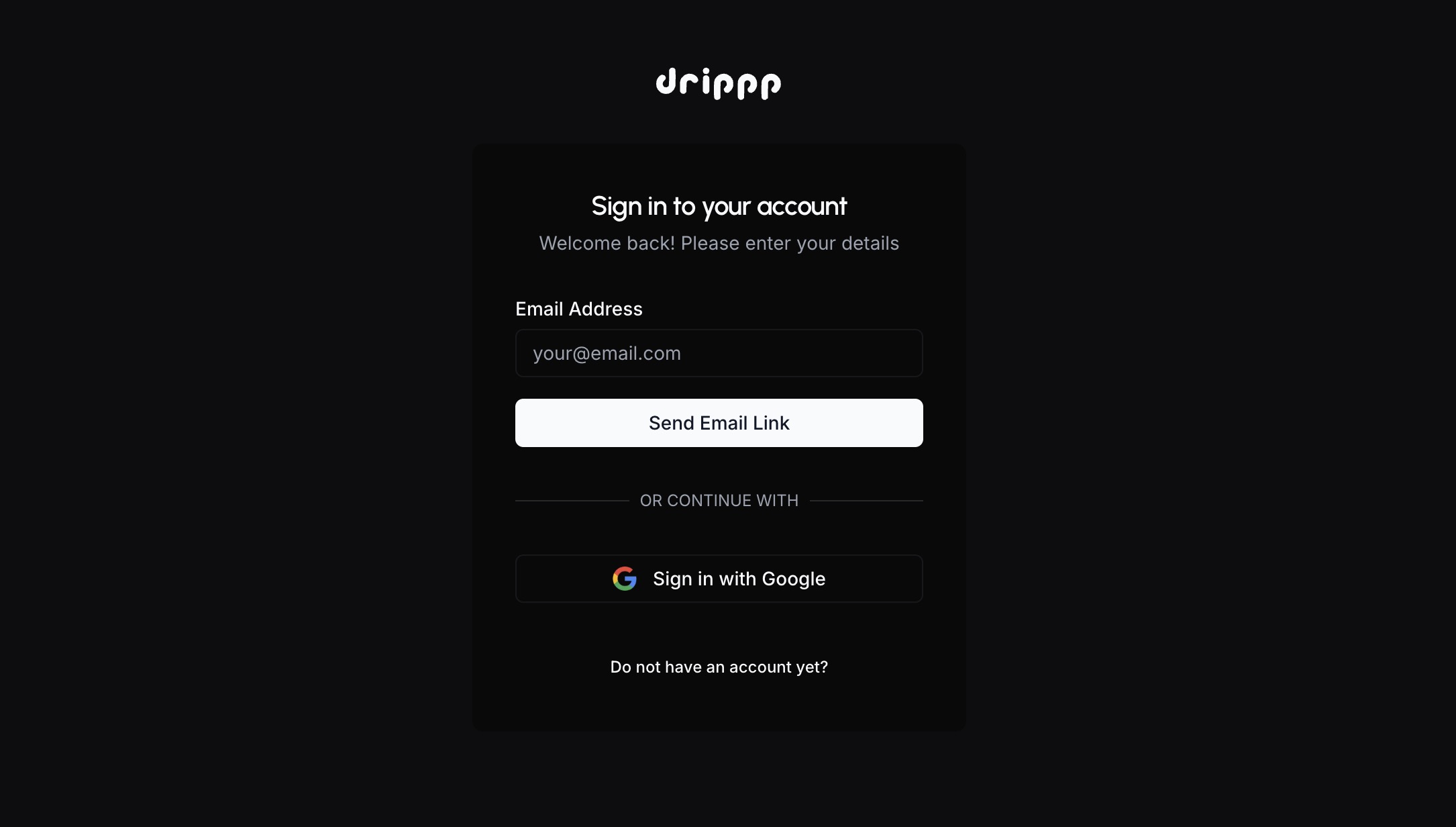
We've heard from you that you want to be able to log into Drippp using your Google account. You can now do that.
Changelog
The latest updates and changes to Drippp
Login with Google
You can now log into Drippp using your Google account.
Inbox and Outbox
Your incoming and outgoing emails are now better organized.
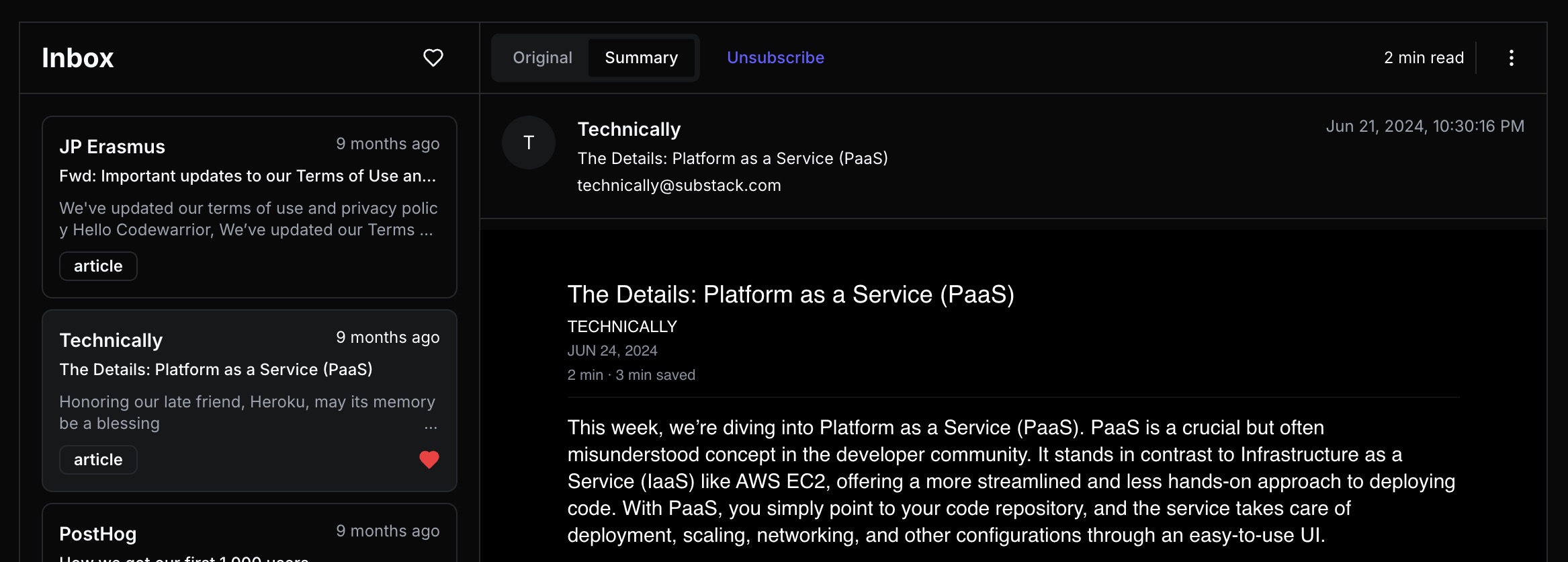
Droppps moved to the Inbox
The previous Droppps are now rolled up into the Inbox. Every message that has a summary will now show a tab at the top of the message that you can tab between the "Original" message and the "Summary".
Drippps are now Outbox
The Drippps are now called Outbox. You can now view all the "drippps" (emails containing your summaries) sent to your personal email from the new Outbox screen.
New credits-based billing
Introducing Workspaces
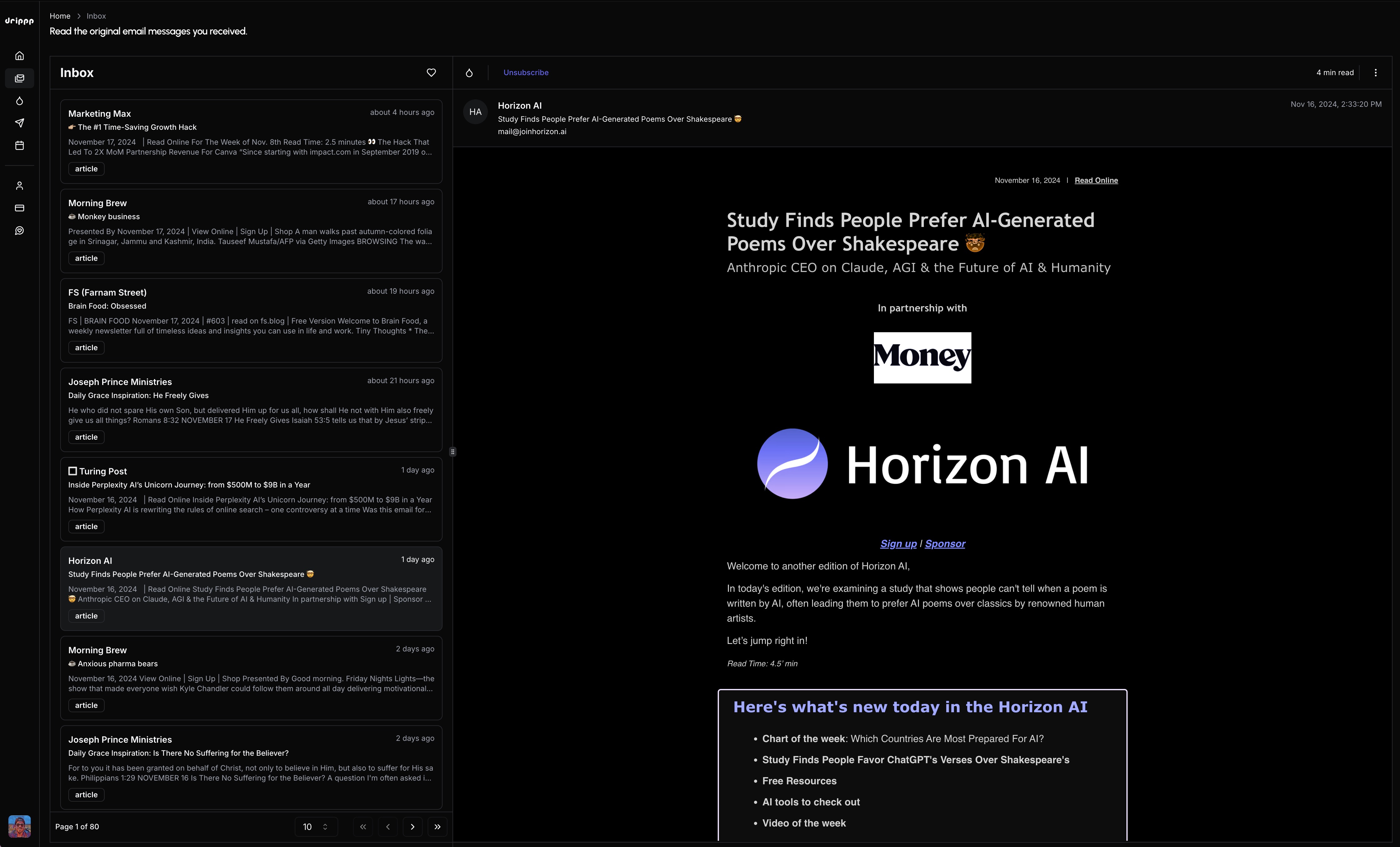
New inbox design
Your inbox now looks like an inbox
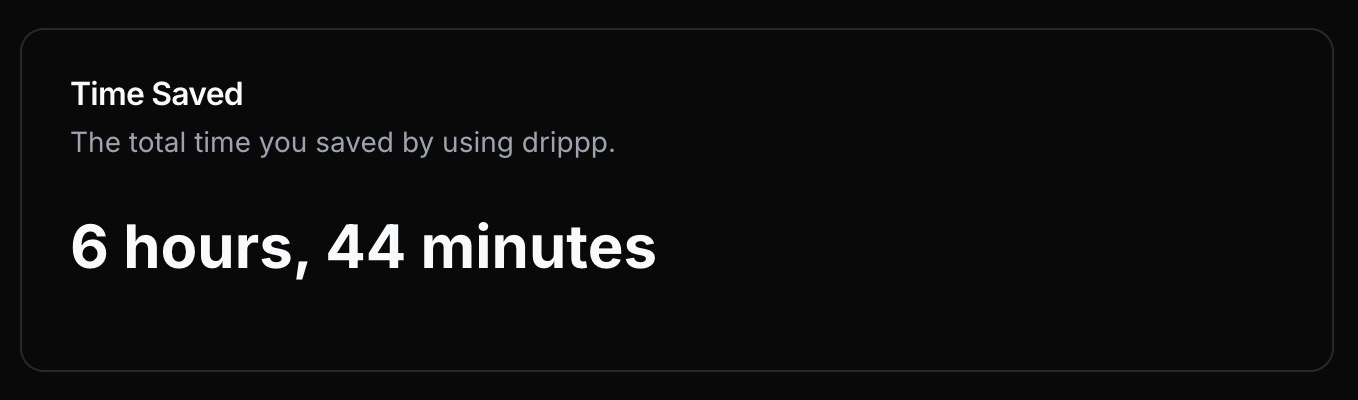
Time saved stats
Show time saved on dashboard and trial emails
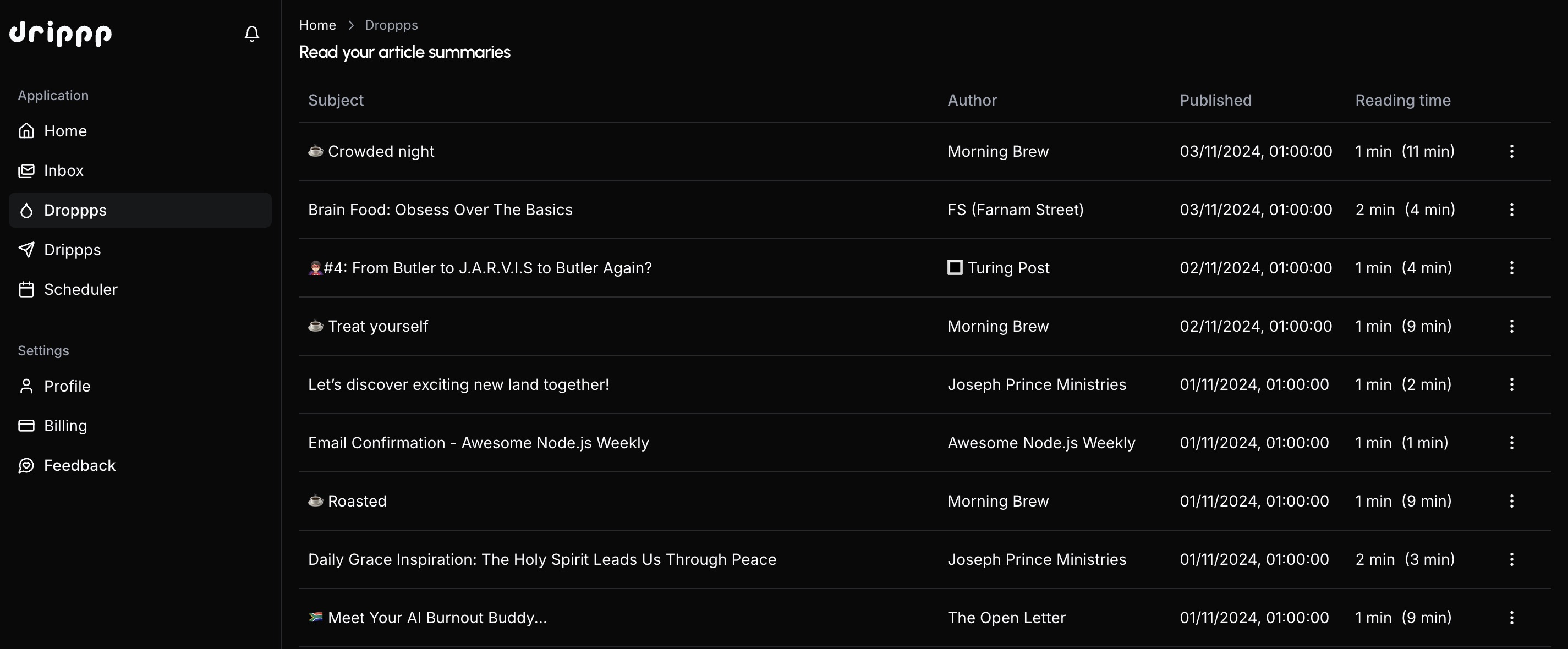
View droppps in the app
View article summaries from within the Drippp web app.
Discord Community
Discord community server now available
Reading times
See the reading times for droppps and original articles
Gmail forwarding confirmations
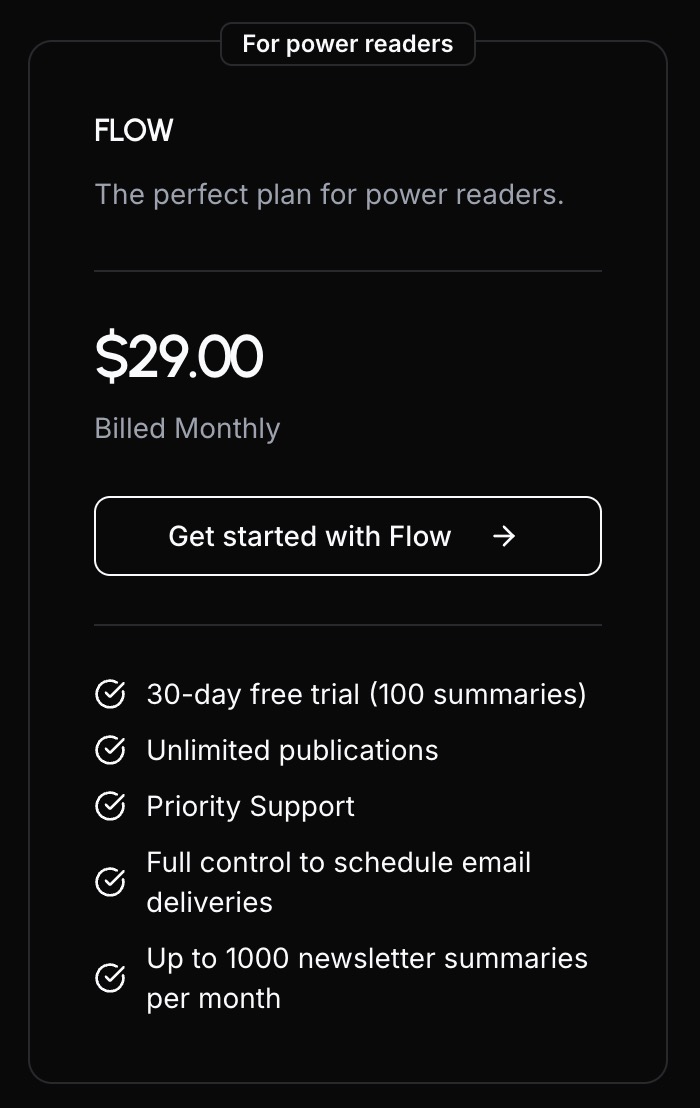
New Flow subscription plan
A new subscription plan for power readers
Newsletter unsubscribe functionality
Easily unsubscribe from a specific newsletter in the app or email
Forward transactional emails
Detect and forward transactional emails to the user
Update trial to 30 days
Changed trials from 14 to 30 days
See droppp for inbox messages
Quick read of the the droppp of an article email within the app
Guides for changing emails for existing users
These guides makes it easy for existing newsletter subscribers to simply change their email addresses
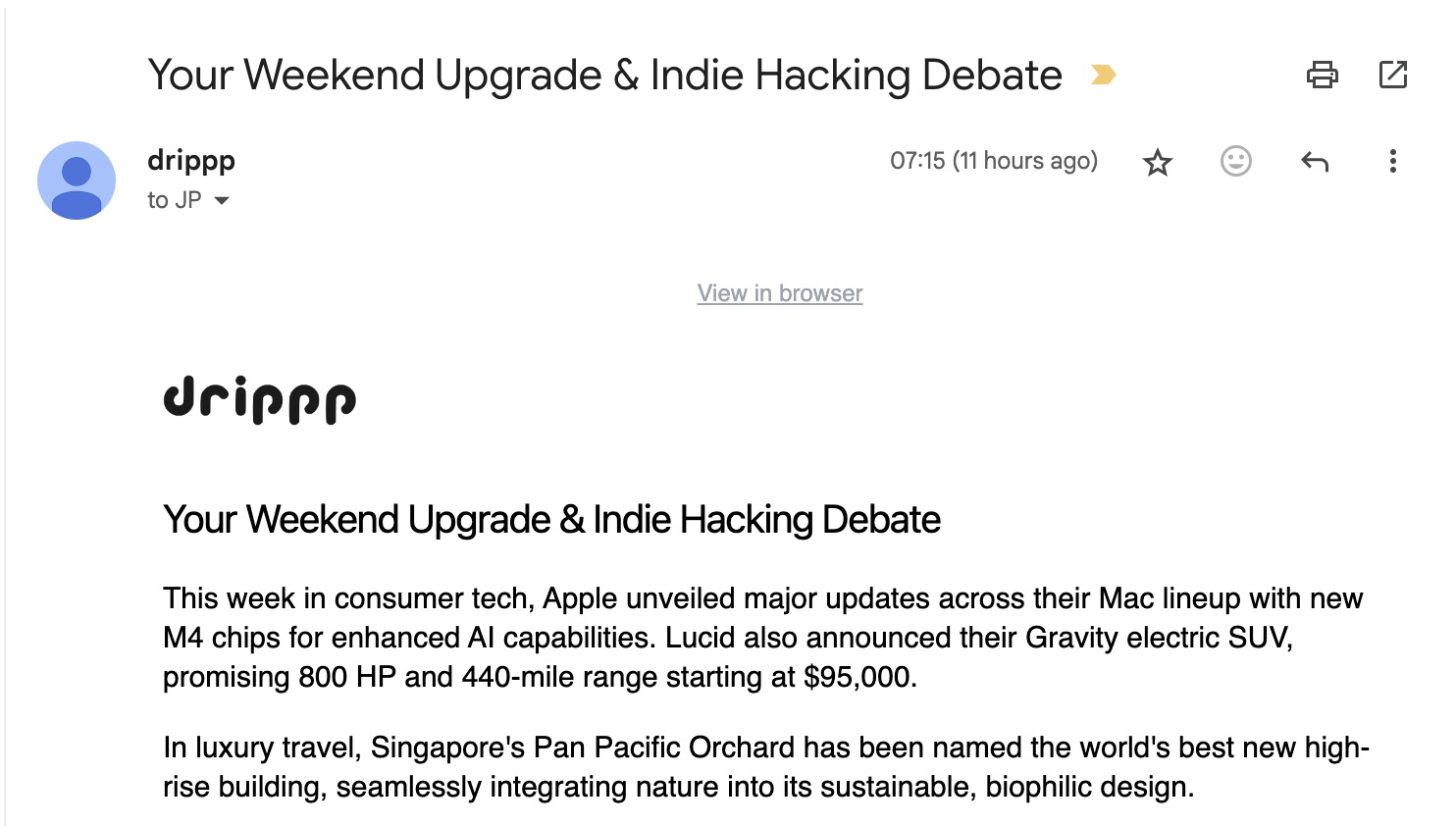
View Drippp in-app
A "view in browser" link to read the Drippp email online
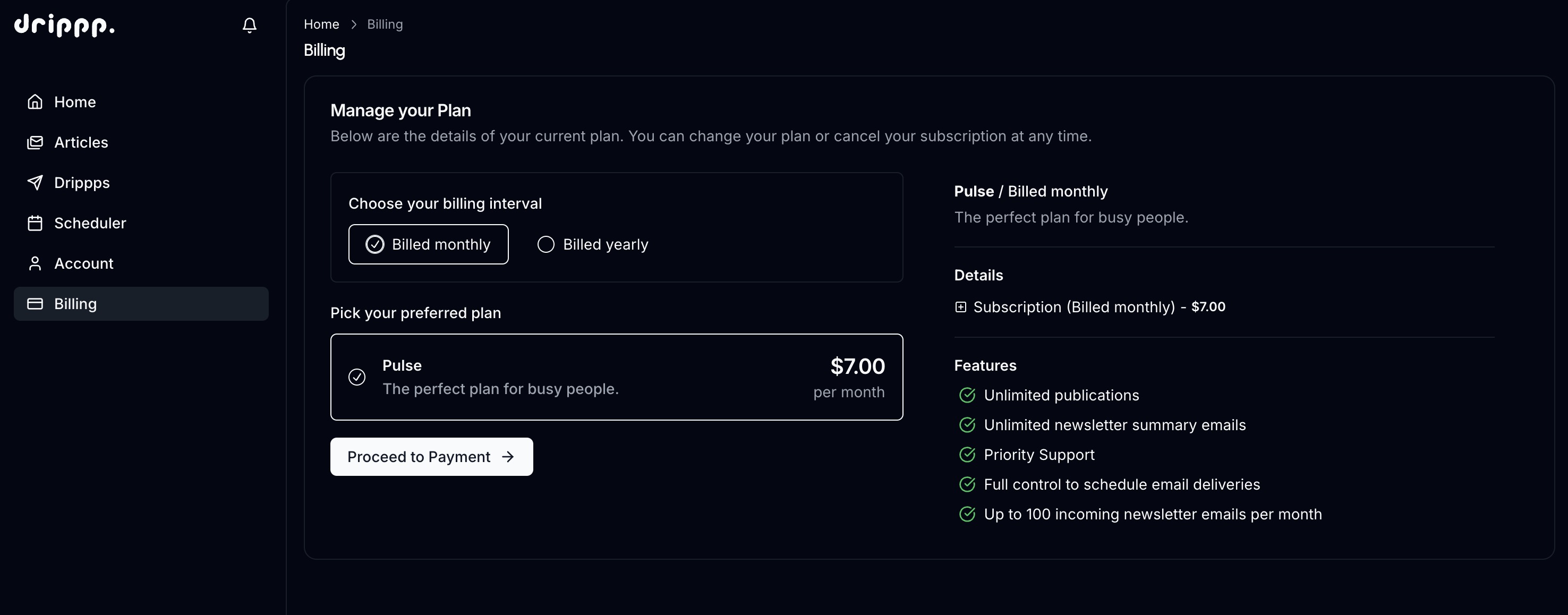
Add billing with 14-day trial
Drippp offers a single subscription plan with a 14-day free trial
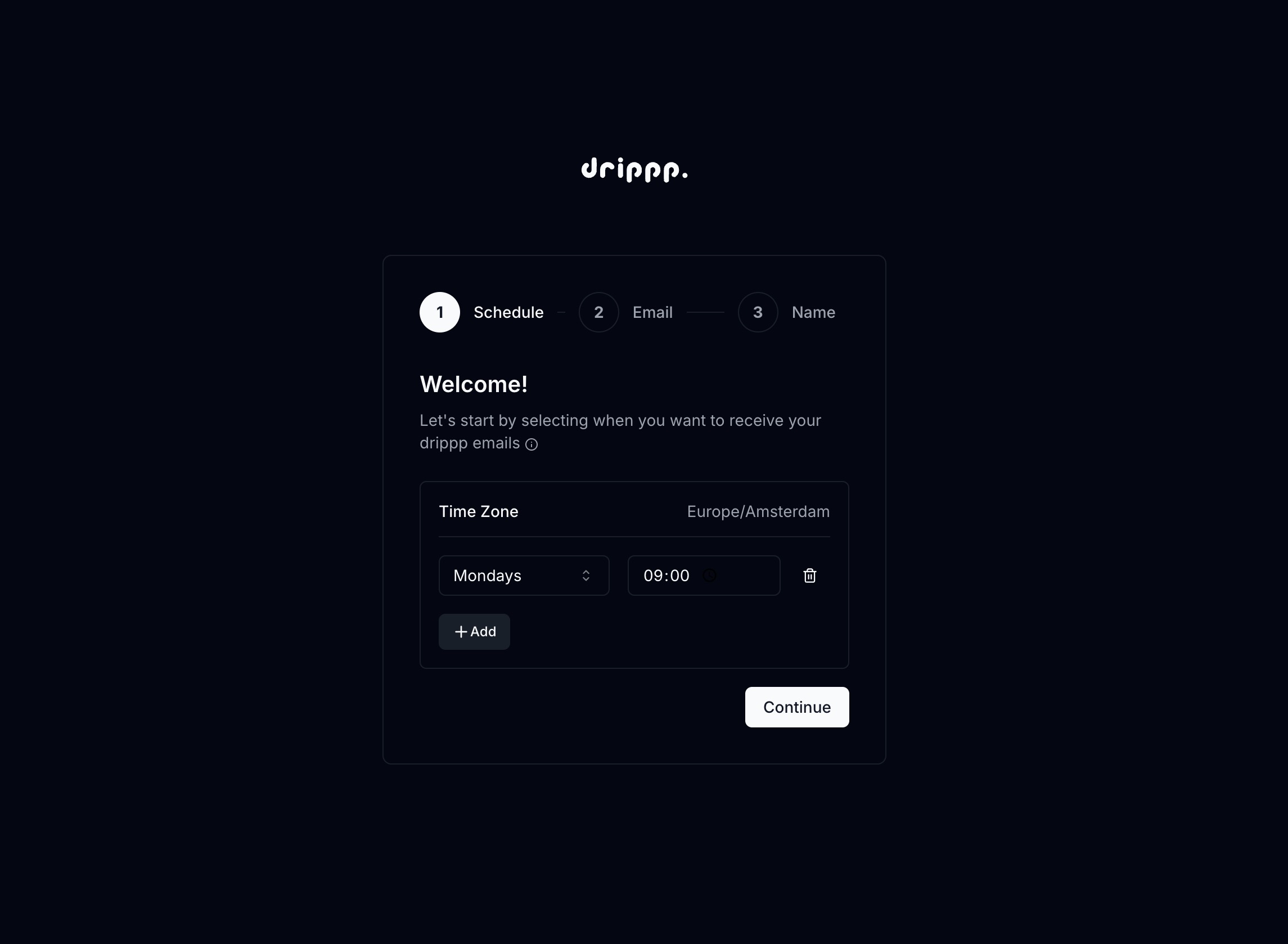
Onboarding
A gentle introduction to get started with Drippp
Docs docs docs
Get the most out of Drippp
First version of working droppps
Droppps are your newsletter summaries
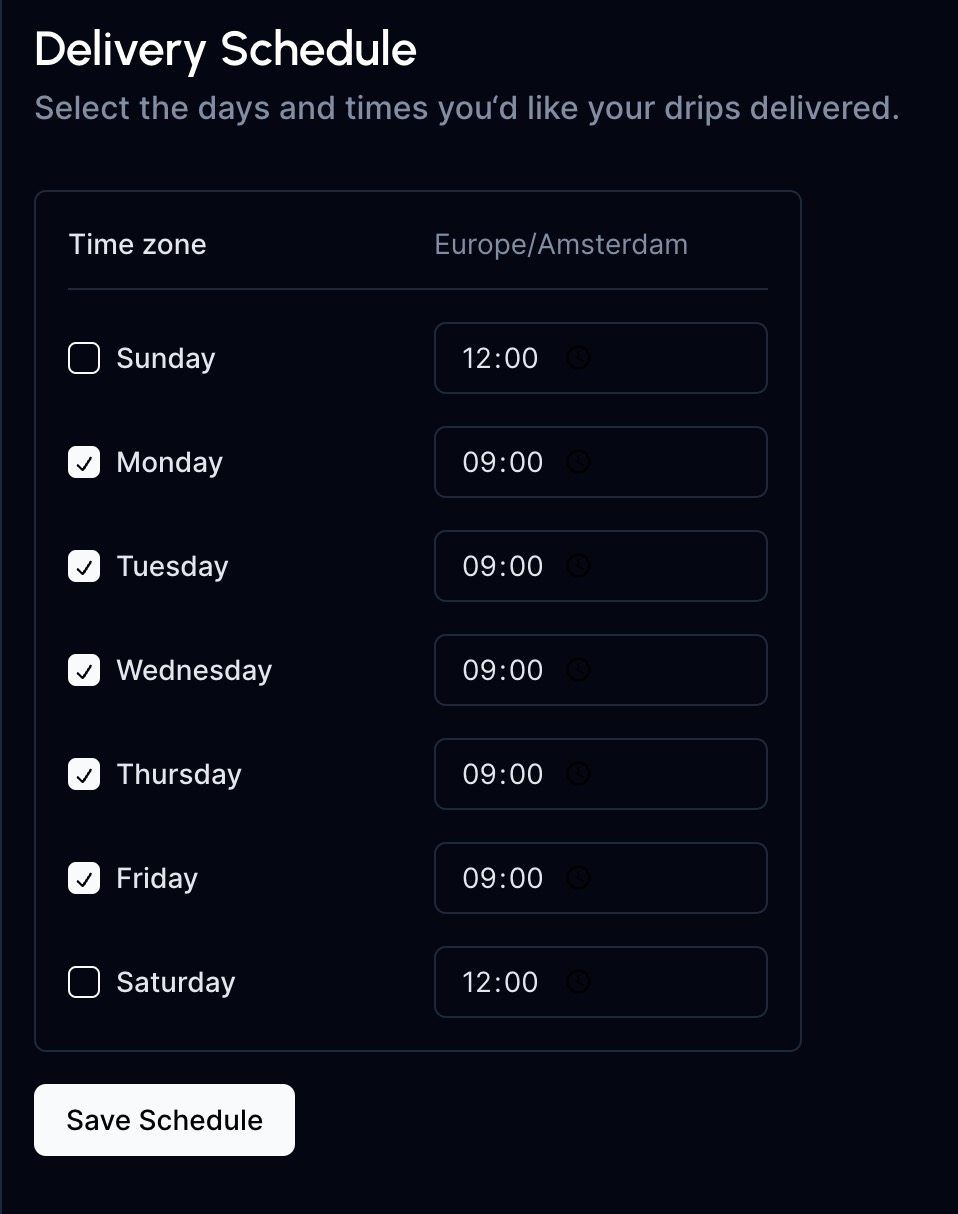
Delivery Scheduler
Select the days and times you'd like your drippps delivered
Waitlist
Add a waitlist for early access to Drippp